01
Install on two phones
Install VisionLinks on your spare Android phone and your current Android phone. Sign in to both with the same account.
 VISIONLINKS
In just three simple steps, use a spare Android phone as an intelligent camera, get real-time alerts and record to the cloud.
Install VisionLinks on your spare Android phone and your current Android phone. Sign in to both with the same account.
Open CCTV mode on the spare phone, register its front or back camera, and start streaming.
Open the live view on your current phone. Enable AI alerts and automatic cloud recording for Away alarms in settings.
AI alerts and automatic Away alarm recording must be enabled. Availability depends on your setup and plan.
YOUR CAMERAS. YOUR CONTROL.
Use the phone you have, bring your cameras together, and take your live view with you.
01 / PHONE AS CCTV
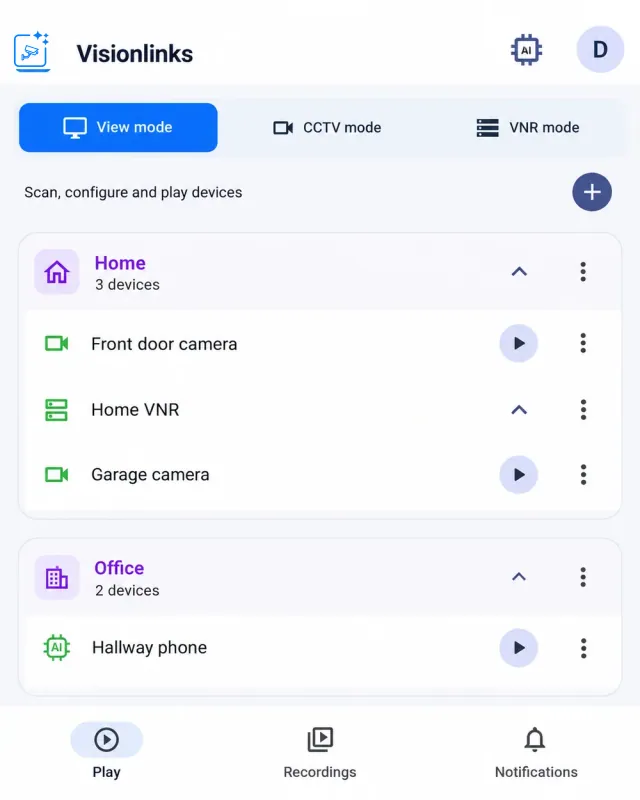
Give an Android phone a useful new role. Select its front or back camera, register it with a name and a premise, and start streaming in CCTV mode.
Choose a resolution and frame rate supported by your phone, up to Full HD. Turn on AI detection and alerts when you want to be notified about activity.
 View full size ↗
 LIVE
02 / ANDROID AS VNR
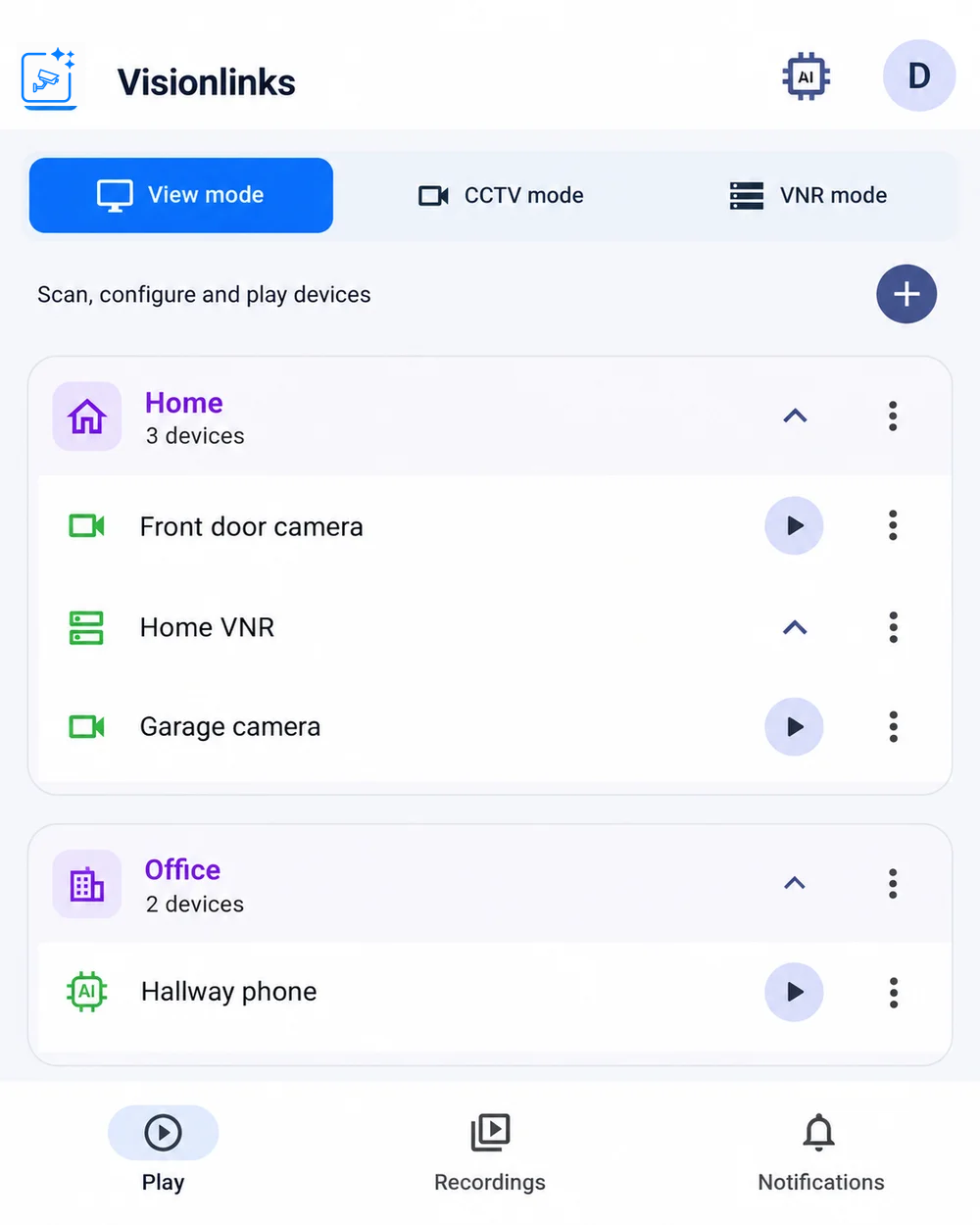
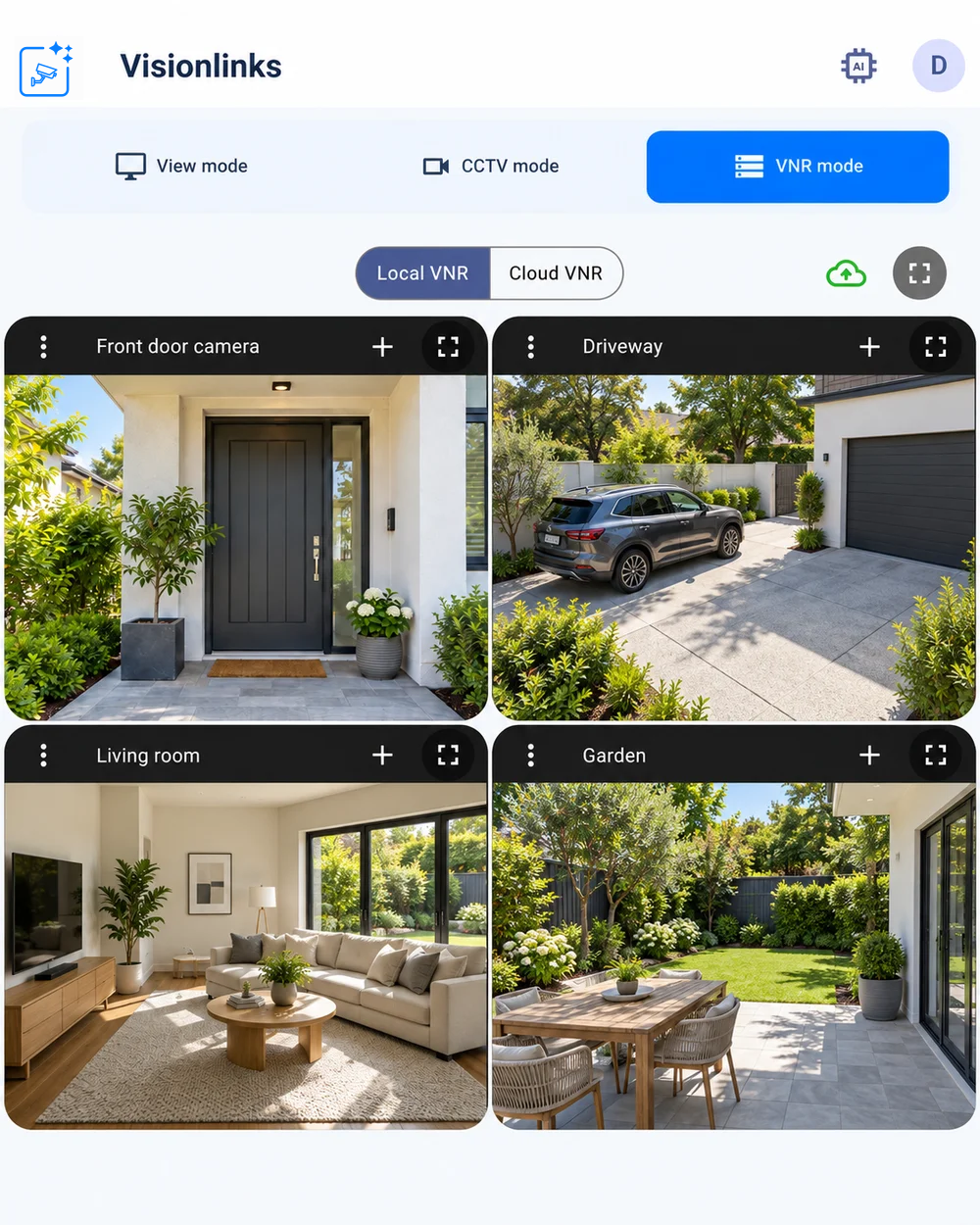
Already have IP cameras? Add compatible RTSP cameras to an Android phone or tablet and use Local VNR to see several feeds together.
Organize cameras by location, choose the feeds you want to watch, and use the same device as your multi-camera monitor.
 View full size ↗
 View full size ↗
03 / REMOTE LIVE VIEW
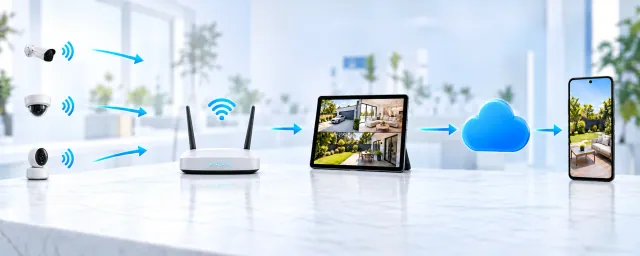
Turn your Android phone or tablet into a VNR, then securely publish selected CCTV cameras through VisionLinks to watch remotely on Android or the web, up to Full HD where supported.
Enable cloud AI alerts to be notified about activity. With automatic Away alarm recording enabled, review recorded activity in the cloud.
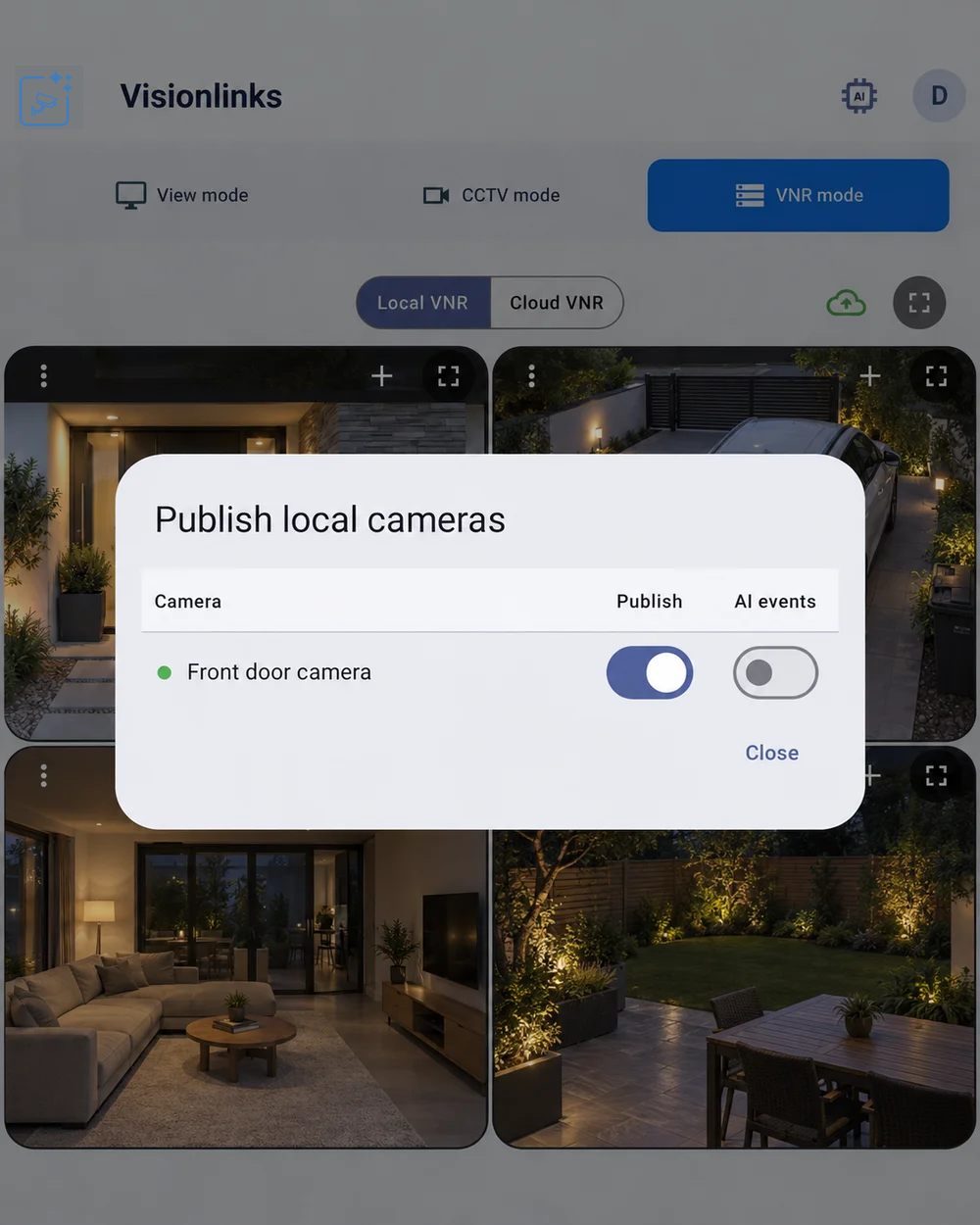 View full size ↗
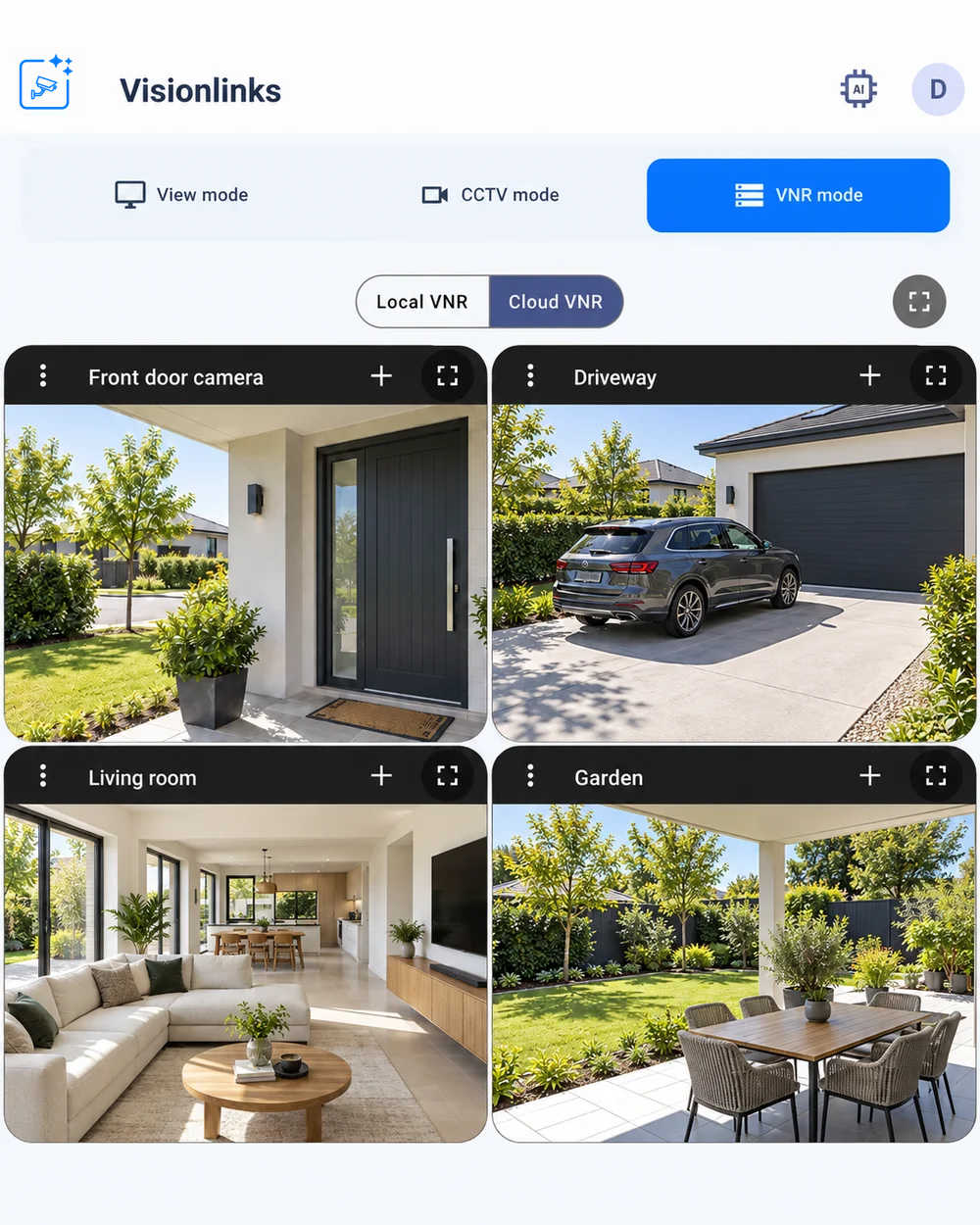 View full size ↗
ONE APP. MORE POSSIBILITIES.
Start with the devices you already have.